Abbiamo aumentato lo spazio di archiviazione su tutti i piani
Abbiamo aumentato lo spazio di archiviazione su tutti i piani Seedr — fino a 5 volte più spazio, maggiore flessibilità e meno limiti.
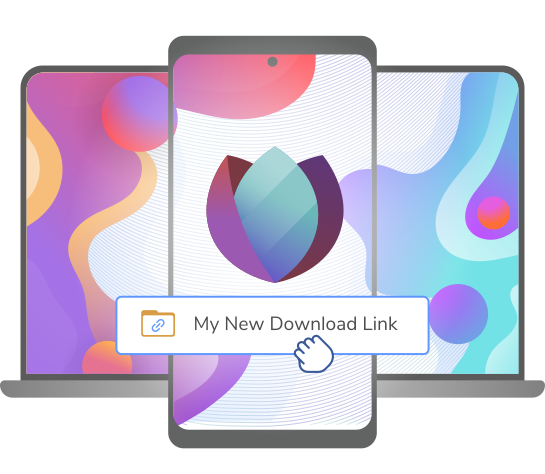
Premium storage, faster speeds, and streaming on any device

Videos, music, documents — open anything right in your browser. Works with every file format. Cast to your TV in one tap. Nothing to install.
Add files from any app in two taps. Watch on the bus, switch to your laptop at home. One account, every screen.
Seedr fetches your files on gigabit servers — what would take you an hour is ready in seconds. Files live in your cloud, not on your hard drive. Connect to Roku, Plex or Jellyfin to watch on any screen in your house.
Connect Google Drive to browse, search, copy and convert your files. Seedr only changes your Drive files when you ask, and you can disconnect at any time. We do not sell Google user data or use it for advertising or AI training. Seedr's use and transfer to any other app of information received from Google APIs will adhere to the Google API Services User Data Policy, including the Limited Use requirements.
Pasted a link and 15GB was ready in seconds. Streamed it right on my phone during a flight — no downloads needed.

Everything just works. I paste, it fetches, I stream in 4K. Haven't downloaded a file to my laptop in months.
Connected Seedr to Plex and now my whole library streams to every screen in the house. Support helped me set up WebDAV in minutes.

 Upgrade in Qualsiasi Momento
 Cancellà in Qualsiasi Momento
Trasferimenti più veloci.
Riproduzione HD.
Adatto per utenti occasionalì

Trasferimenti prioritàri.
Usa reti private è salva più file.
La nostra scelta più popolàre

Reti Private è Coda Prioritària.
Riproduzione 4K con mount WebDAV.
 Trasferisci al Nostro Cloud Storage
 Riprodurre è Download sul Tuo Dispositivo
Abbiamo aumentato lo spazio di archiviazione su tutti i piani Seedr — fino a 5 volte più spazio, maggiore flessibilità e meno limiti.

Scopri come collegare facilmente il tuo account Seedr all'app Infuse usando WebDAV o FTP. Visualizza contenuti multimediali 4K direttamente sulla tua Apple TV o dispositivo iOS senza salvare.

Scopri come usare il pulsante Link di Seedr V2 per aggiungere link multimediali, scansionare pagine web, caricare file dal tuo dispositivo e condividere su Seedr tramite PWA o estensioni del browser.